Kaseta
Menu

Record. Stop. Read.

Turn recordings into text on your iPhone. Download the models once, then transcribe offline.
Download free
Record. Stop. Read.

Transcribes 99 languages · Audio is never uploaded · No account, no sign-in

Tap Stop, then read

The transcript is produced on the phone after you stop – watch the progress, then check it against the audio.
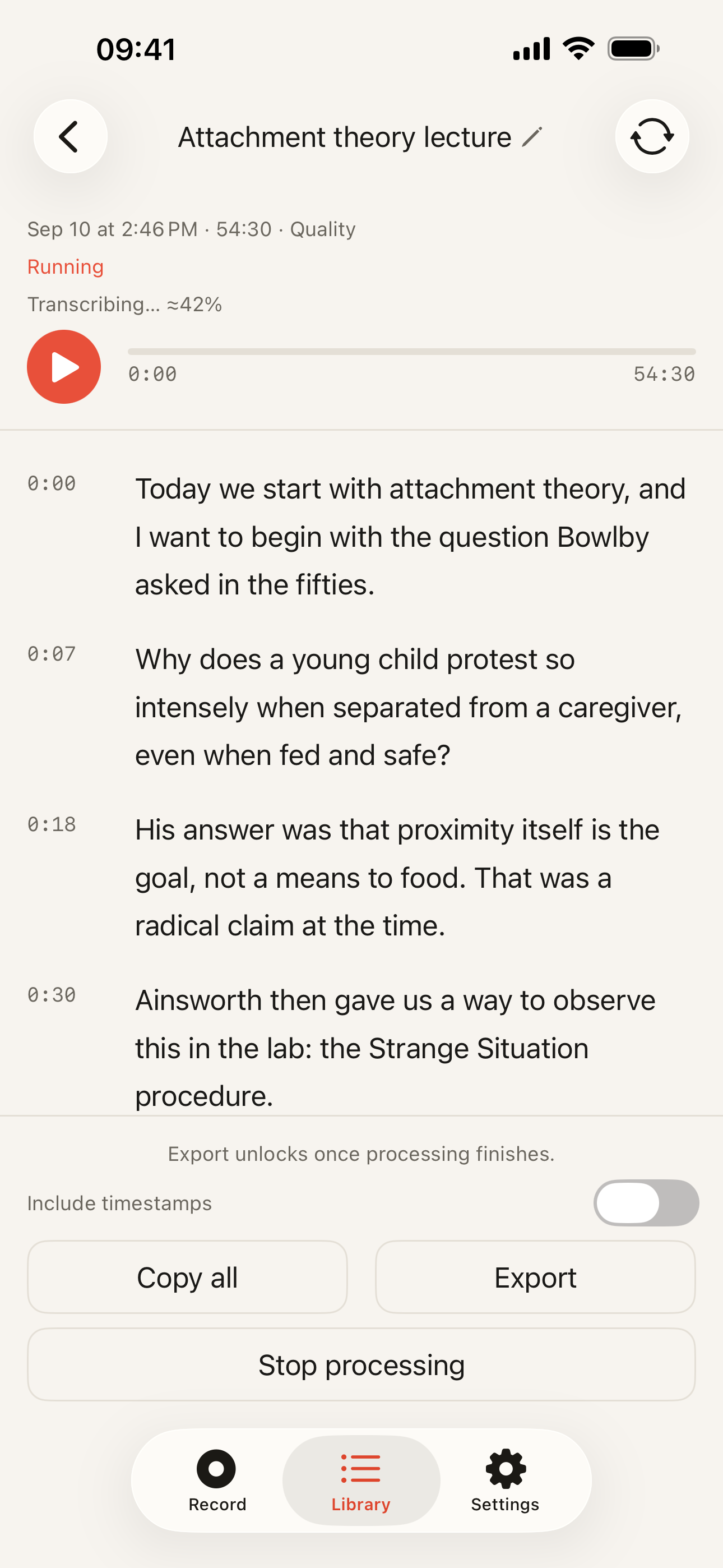
Transcript being produced after Stop: Status: Running, transcribing at 42%; Timecoded segments already readable; Stop processing button.

Transcribes 99 languages

It detects the language by itself, or you set one in Settings – recognised on your device either way.
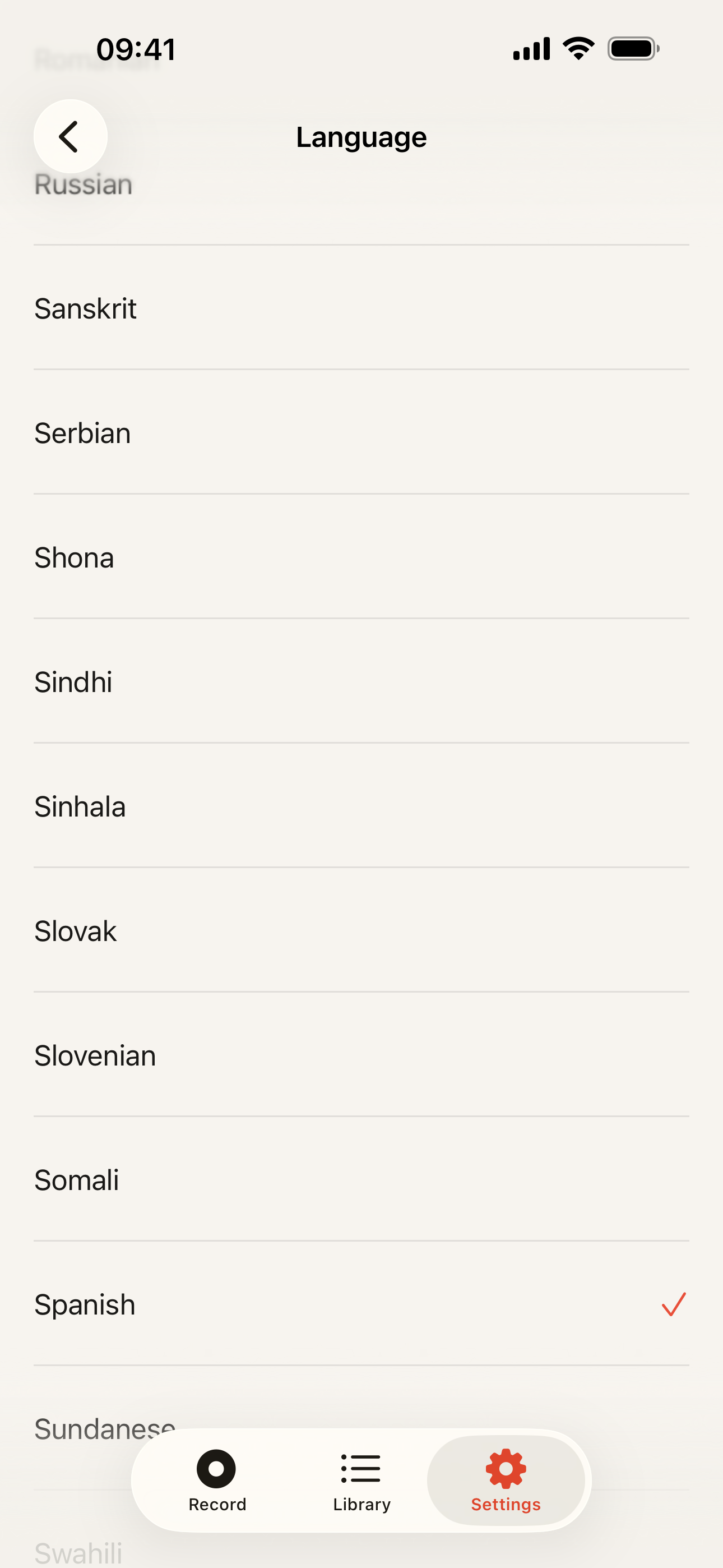
Language setting: Long, scrollable language list; Spanish ticked as the chosen language.

Take the text anywhere

Copy it, or export Plain Text, Markdown, SRT, WebVTT or JSON – on every plan, for the text you have.
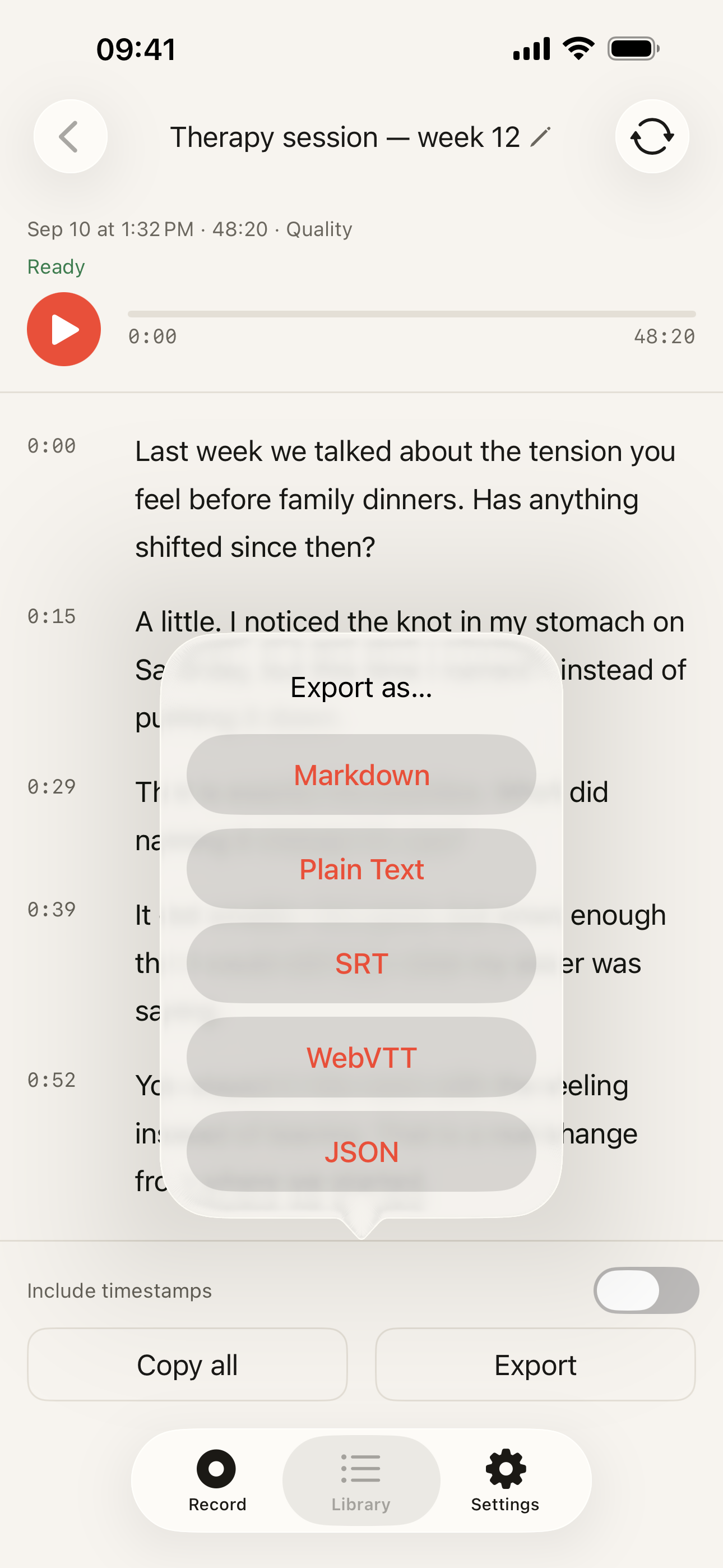
Export sheet: Markdown, Plain Text, SRT, WebVTT and JSON; Include timestamps toggle; Copy all beside Export.

How it works

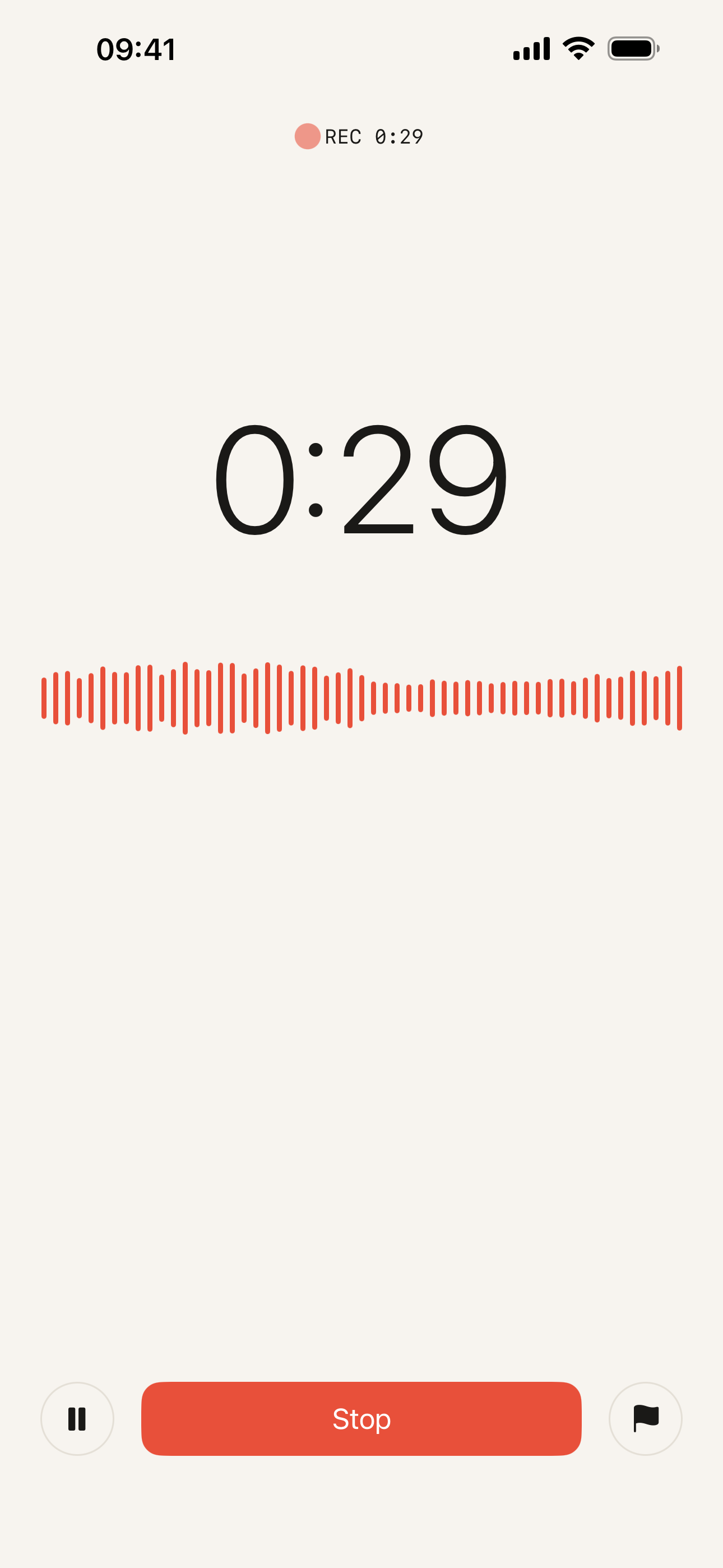
  1. Recording: Coral waveform active; Timer at 0:29; Stop button, pause and flag beside it.

    01

    Record your audio

    Tap record. Pause if you need to, or drop a flag on a moment worth finding later.

  2. Transcript being produced after Stop: Status: Running, transcribing at 42%; Timecoded segments already readable; Stop processing button.

    02

    Tap Stop

    Recognition starts on the phone. The transcript appears when it is done.
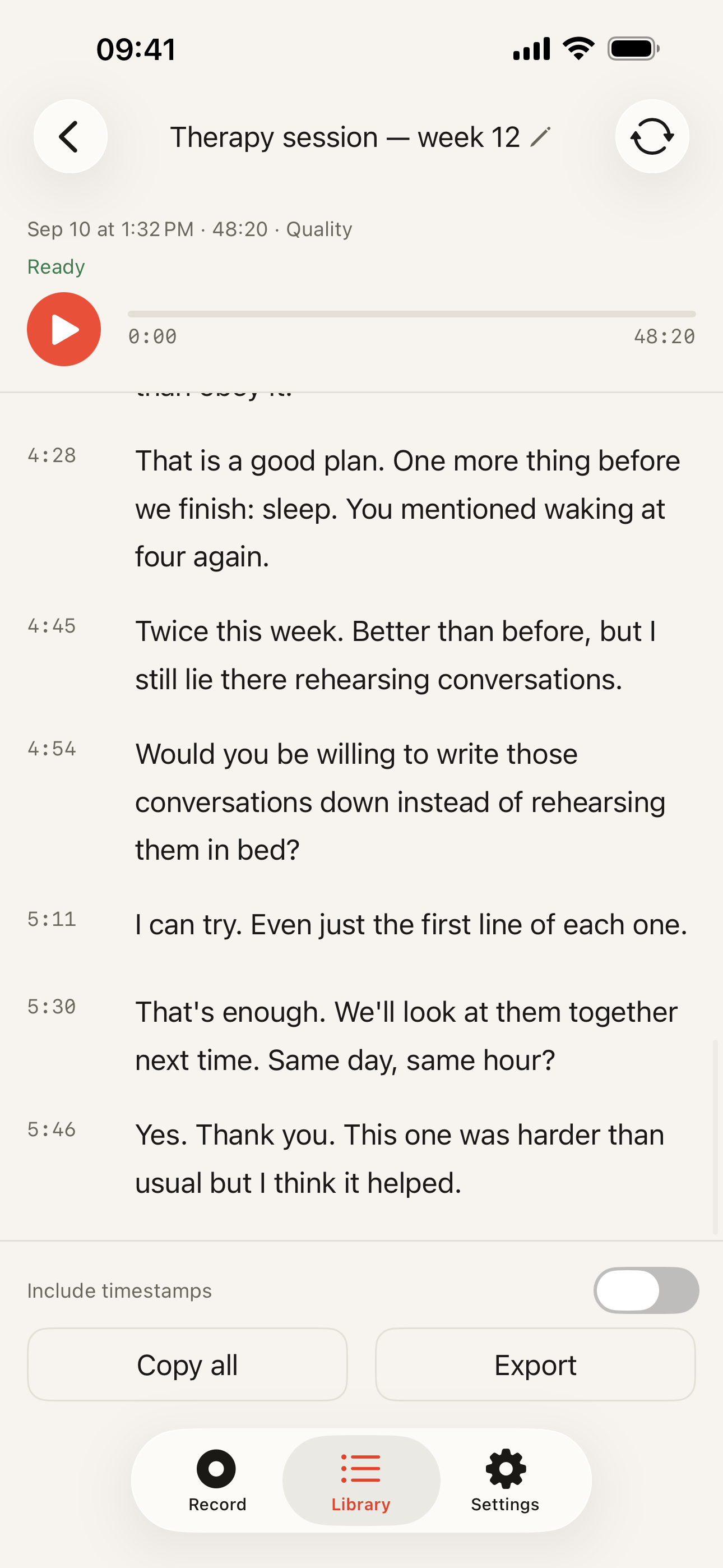
  3. Finished transcript: Status: Ready; Timecodes down the left edge; Copy all and Export buttons.

    03

    Read and check

    Play the audio, follow the timecodes, and edit a segment where needed.

  4. Export sheet: Markdown, Plain Text, SRT, WebVTT, JSON; Include timestamps toggle.

    04

    Copy or export

    Plain Text, Markdown, SRT, WebVTT or JSON – on every plan.

The whole transcript on one screen

A timecode on every segment. Play the audio, follow along, and open a segment to edit it where a word is wrong.
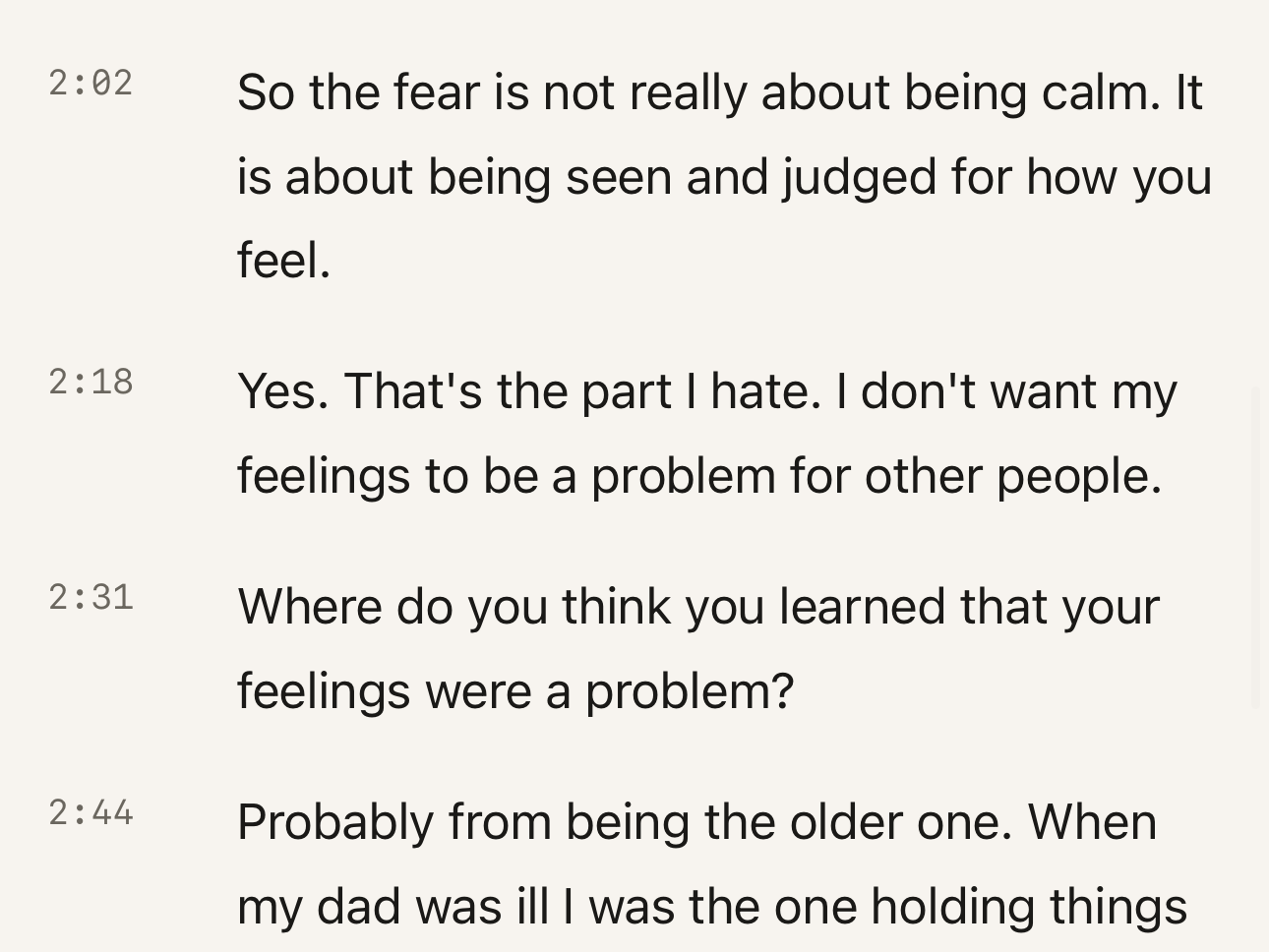
Transcript close-up: Timecode on every segment; One segment per paragraph.
  1. 01Timecode on every segment
  2. 02One segment per paragraph – tap it to edit

If something interrupts a recording

Audio already saved stays available. If a recording is interrupted, reopen Kaseta and follow the recording status.
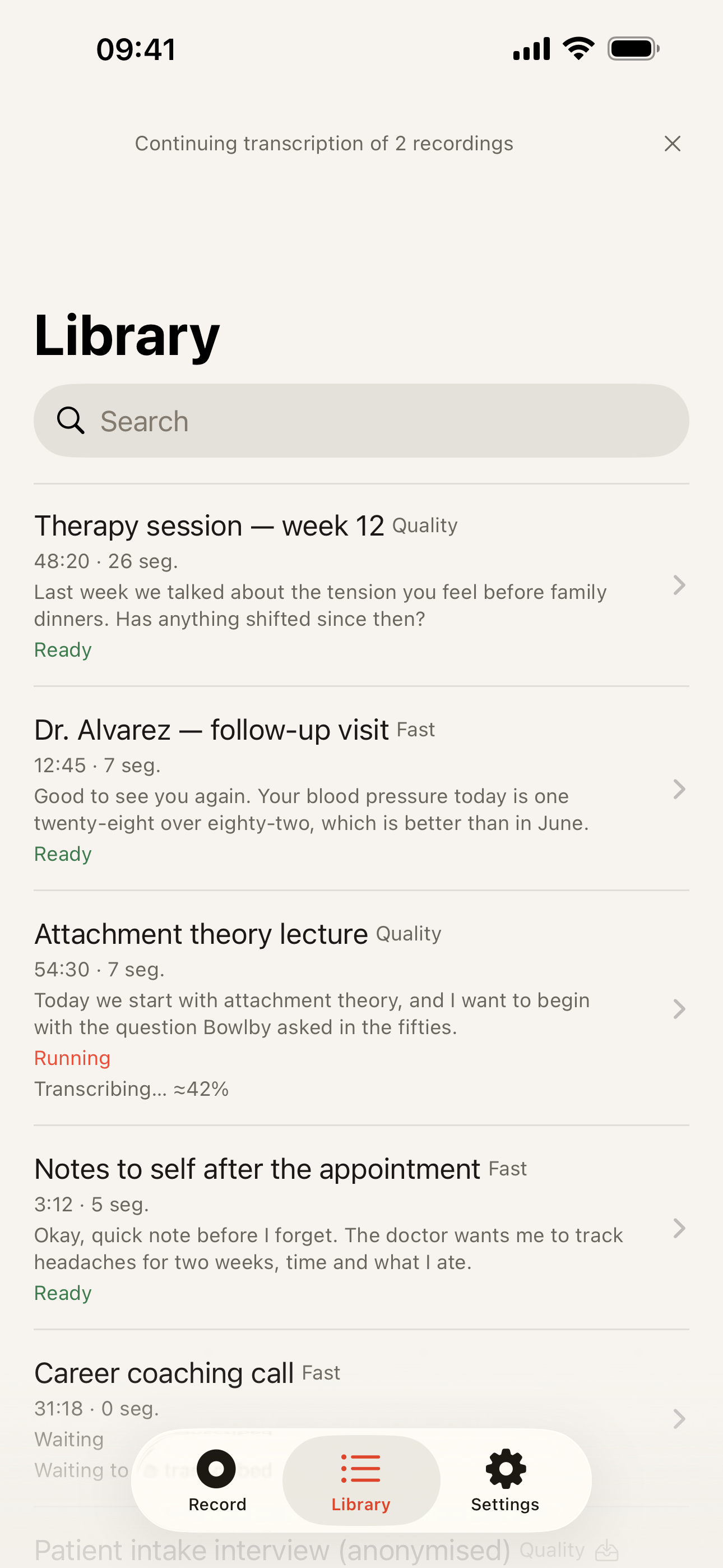
Library after an interruption: Banner: continuing transcription of 2 recordings; Each recording with its status – Ready, Running, Waiting; Search field over the library.
  1. 01Processing picks up again when you reopen the app
  2. 02Search the library by title or by what was said
  3. 03Ready means the text is complete
  4. 04Running shows how far the transcript has got

Nothing to sign into

No account and no sign-in. Your audio is never uploaded – the models are downloaded once, then it all runs on the phone.
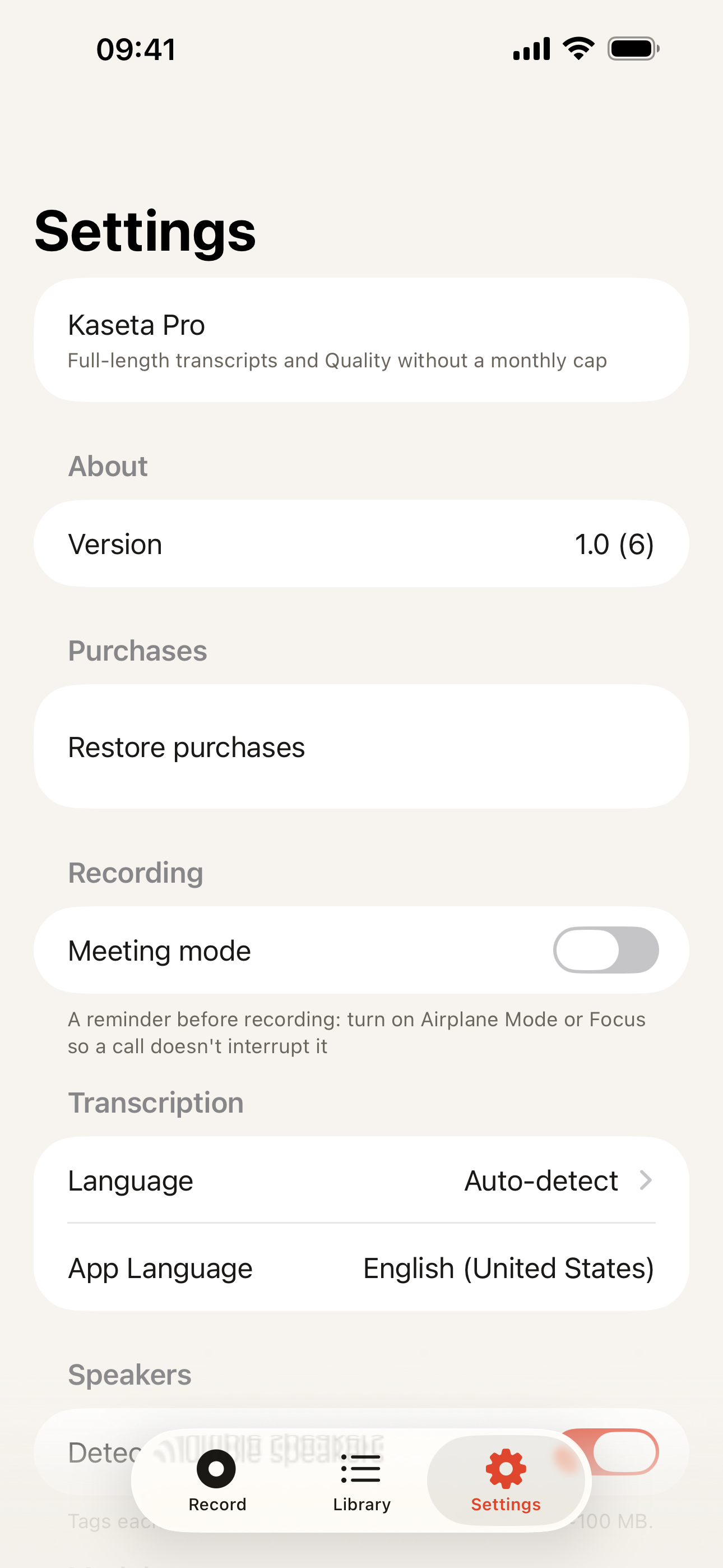
Settings: Kaseta Pro and Restore purchases – no account of ours; Meeting mode reminder; Transcription language set to Auto-detect.
  1. 01Pro belongs to your Apple account – there is no account with us
  2. 02Meeting mode reminds you to switch on Airplane Mode first
  3. 03One language setting, or auto-detect

Speaks 99 languages

HelloOláMerhabaПриветHalloCześćHolaBonjourCiaoHalloHejПривітこんにちは안녕하세요你好नमस्तेمرحباשלוםสวัสดีXin chàoHaloΓειά σου

See all languages

Record it. Keep it.

No account and no upload – your recordings and their transcripts stay on the phone.