Dictate patient notes without sending the audio anywhere
The question that brings most clinicians here is narrow and practical: can I speak a note about a patient into my phone and get text back, without that audio travelling to somebody else’s computer. The answer is yes, and the reason is architectural rather than contractual – Kaseta transcribes 99 languages on the iPhone itself, using models downloaded once and kept on the phone.
The distinction that matters
Cloud transcription services are not careless. They encrypt in transit, they publish retention policies, and the serious ones will sign a data processing agreement. But all of that describes what a third party promises to do with a copy of your recording after receiving it. On-device transcription removes the copy. There is no request to secure, no vendor to audit, no retention window to trust, and no incident that could involve your recordings, because they never entered anyone’s system.
You do not have to take that on faith either. Put the phone in airplane mode, record, tap Stop, and read the transcript. If the work were happening in a data centre, that is the step that would fail.
What we do not claim
We do not claim HIPAA compliance. We do not claim GDPR certification, medical-device clearance, or approval for clinical use. Nobody has audited this app against those frameworks, and an app that decorates a landing page with those words has told you something about its marketing rather than its engineering.
What is true is the list above: the app never transmits audio, there is no server to breach, and there is no account to subpoena. That is a fact about how the software works, and it is the fact your compliance officer will actually want to interrogate. The conclusion is theirs to draw, not ours to assert.
What stays your problem
Honest ledger, because the parts we do not control are the parts that bite:
- The phone. A device with a weak passcode, left on a desk, is the whole security model. On-device means on that device.
- Backups. If iPhone backup is switched on, your recordings are included in your own iCloud backup, the same as everything else on the phone – that copy goes to your Apple account, never to us. It is a setting on the phone rather than something this app does, but it does mean the audio can exist somewhere other than the handset, so exclude Kaseta in the iPhone’s iCloud settings before you record anything identifiable.
- What you do with the text. The moment a transcript is pasted into an email or a chat, it is in whatever system that is. The app’s guarantee ends where your clipboard begins.
- Consent and local rules. Recording a consultation is governed by the law and the policy where you practise, and by what you have told the person in the room. No app changes that.
The length and the cost
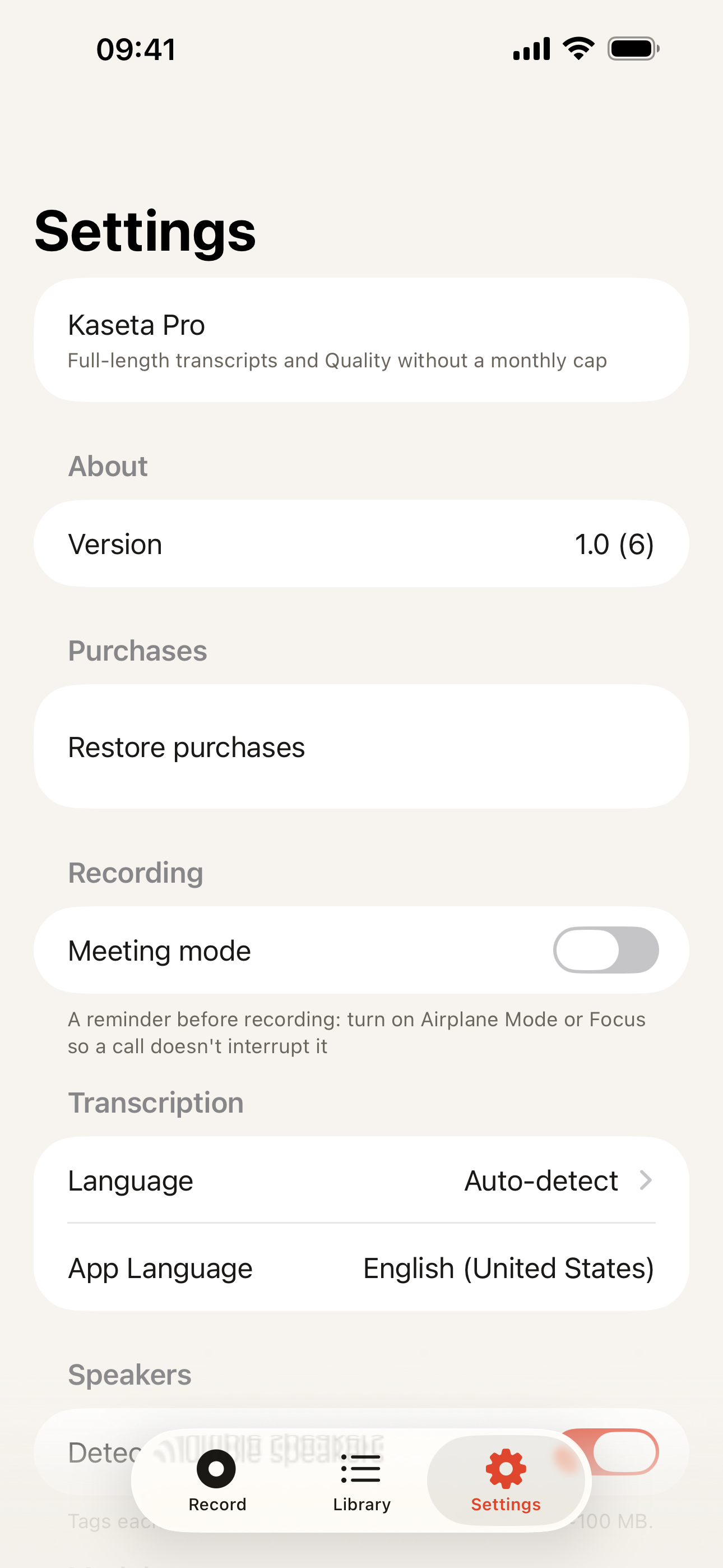
The free plan records without limits and transcribes the first 5 minutes of each recording – enough for a dictated note between patients, not for a long consultation. Recording itself is never cut off at that point; the audio keeps going and is saved in full. Pro transcribes the whole recording and lifts the monthly allowance on the Quality model. It costs $19.99 a year, or $39.99 once. Export – Plain Text, Markdown, SRT, WebVTT, JSON – is on every plan. There is no per-seat licence and no meter on minutes, because there are no server costs to pass on.
When something else is the better tool
- A dedicated clinical dictation system. Products built for medicine carry trained medical vocabulary, drug-name accuracy, structured note templates, and integration that drops the text into your EHR. Kaseta has none of that. If your day is dictation into a record system, buy the thing designed for it.
- A vendor your institution has already cleared. If your hospital has an approved transcription supplier with a signed agreement, that route is the one your governance team can defend. Being technically safer is not the same as being institutionally approved, and the Plaud comparison sets out what a certified vendor gives you that we do not.
- A human transcriptionist. For anything that has to be verbatim and attestable, no automatic transcript of any kind – ours included – is the right answer.
- Nothing at all. Some conversations should not be recorded. That is a clinical judgement, and it outranks convenience.
If the ban you are working around is your employer’s rather than your own caution, the page on workplaces that block cloud tools is closer to your situation. For the technical detail behind the airplane-mode test, read how offline transcription works, or start from the homepage.