Voice memos that turn into text you can search
Most recordings are not evidence, not billable and not going into a report. They are the idea you had on the way to the shop, the thing you promised to remember, twenty minutes of your grandmother telling a story you will want the words to later. This page is about that – the ordinary case, where the useful part is that speech becomes text you can find again.
Why the transcript is the point
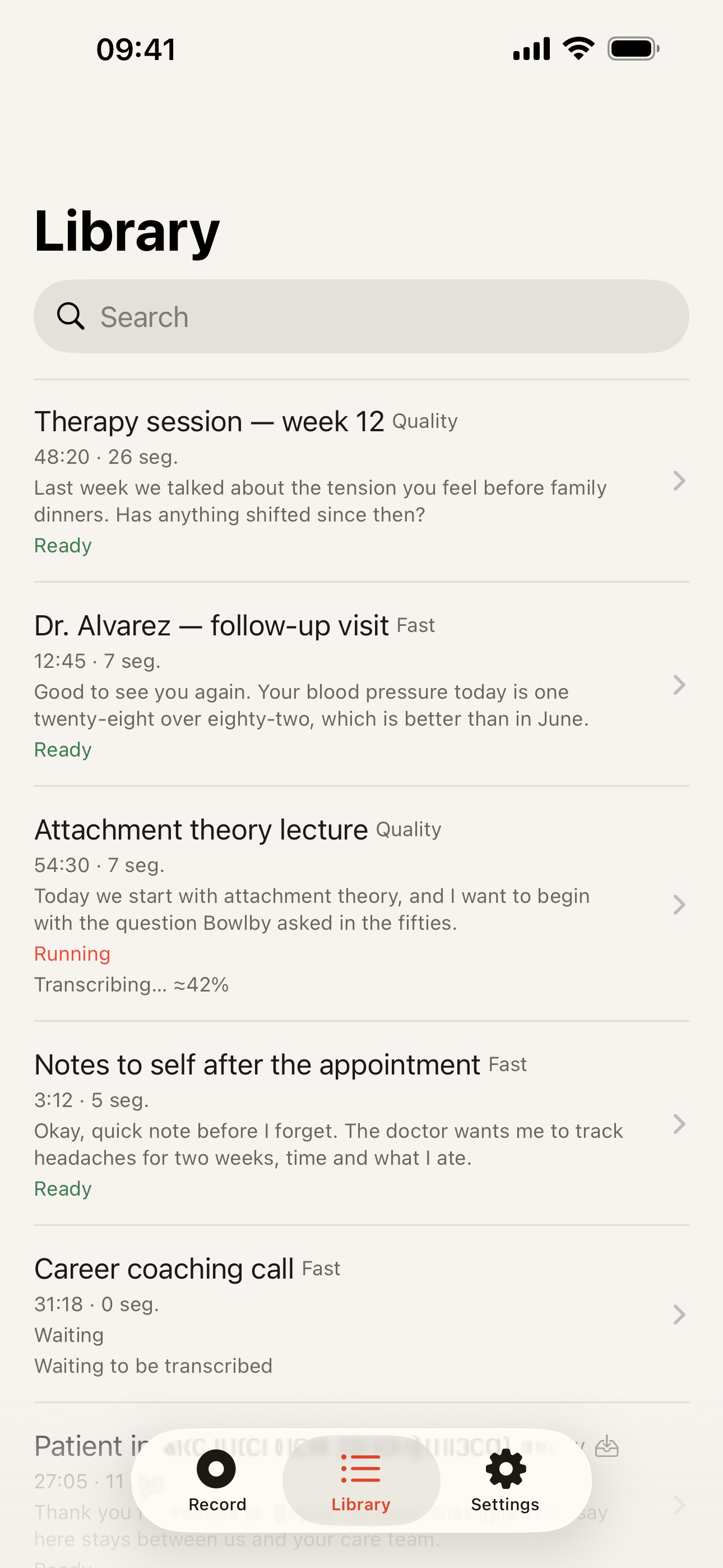
Audio is a bad archive. A folder of thirty recordings called New Recording 14 is unsearchable, and the only way to find the one sentence you need is to listen to all of it. Text fixes that: you search for the word you remember and land on the timecode. Everything else on this page is detail.
What it does without asking anything of you
No account, no sign-up, no email address. Recognition runs on the phone in 99 languages once the models are downloaded, which also means it works on a plane, in the underground and in a field. Nothing is uploaded, so nothing needs deleting from anywhere later – the delete button on your phone is the whole story. This website sets no cookies, for the same reason: there is nothing to collect.
The free plan is genuinely usable rather than a trial: unlimited recordings, each transcribed for its first 5 minutes, export in five text formats, and recording is never cut off when that ceiling arrives – the audio keeps going and is saved in full. Pro exists for the long stuff: the whole recording transcribed, and the Quality model without a monthly allowance. It is $19.99 a year, or $39.99 once and never again.
When you do not need this app
- Apple’s Voice Memos. Free, installed, and since iOS 18 it transcribes in the languages Apple supports. For short notes in one of those languages that is the whole job done, and no app should try to talk you out of something you already have.
- The keyboard microphone. If you want to speak a message instead of typing it, iOS dictation is the right tool and this is not it.
- A notes app with a text field. Some thoughts are one line long. Typing it takes four seconds and produces a perfect transcript.
- Nothing. Recording every idea is a habit that can quietly turn into an archive you never read. Fewer, better recordings beat a library you will not open.
Where this earns its place is the recording you would otherwise never revisit: long, spoken, in your own language, worth having in words. Next: how to transcribe a voice memo step by step, turning a WhatsApp voice message into text, or the homepage.