Meeting recordings without renting them by the minute
Most business transcription is sold as a platform: a bot that joins every call, a shared workspace, a monthly bill per person. That is a real product and plenty of teams need it. This page is for the smaller, commoner case – a phone on the table during a meeting, a recording of a site visit or an interview, and a transcript you can search afterwards without a subscription attached to it.
What a phone on the table is good at
In-person meetings, one-to-ones, client visits, standing conversations that produce three decisions and no notes. Press record, put the phone face down, and tap Stop when the meeting ends – the text is computed on the phone from there. There is no session to open with a server, so recording starts at once and the whole thing works in a basement meeting room, on a train, or at a site with no coverage.
Because the recognition happens on the device, nothing about the meeting is uploaded to anyone. For a conversation under an NDA that matters more than any feature, and the page about workplaces that ban cloud tools covers why.
The cost argument, stated fairly
Cloud transcription is priced the way its costs behave: every minute you send is compute and storage someone else pays for, so you are billed per seat, per month, often with a minute allowance on top. That is not a rip-off, it is arithmetic – and it means your transcription bill grows with your headcount and never stops.
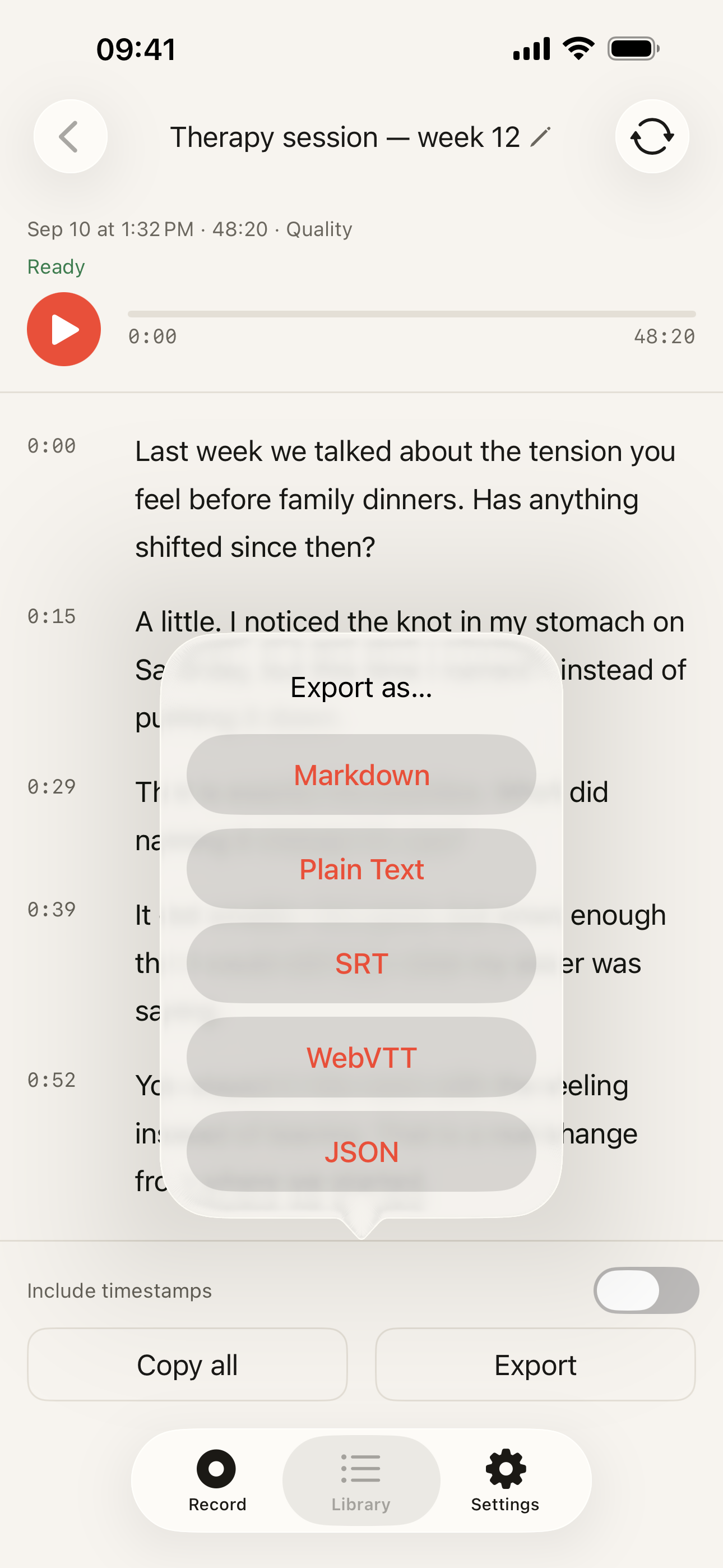
On-device transcription has no per-user server cost, so there is nothing to meter. The free plan records without limits and transcribes the first 5 minutes of each recording; the recording itself is never cut off, the audio keeps going and is saved in full. Pro transcribes the whole recording, lifts the monthly allowance on the Quality model, and costs $19.99 a year – or $39.99 once, after which it is bought rather than rented. Export in five text formats is on every plan. For a team of three or five, that is a purchase you make once instead of a line item you renew forever.
What you do not get for the money is equally clear: no admin console, no central billing, no usage dashboard, no way to see what colleagues recorded. Each install is somebody’s own app on somebody’s own phone.
When a meeting platform is the better tool
- Remote calls. Otter, Notta, Fireflies and the rest join the call itself and hear every participant at source. A phone in a room hears a laptop speaker. If most of your meetings are on Zoom or Teams, that difference decides it.
- Meetings you cannot attend. A bot sits in the call in your place and the transcript is waiting afterwards. Nothing installed on the phone in your pocket can be in a room you are not in.
- A shared, searchable archive. If the transcript belongs to the company rather than to the person who recorded it, you want a workspace with permissions and retention – that is a server-shaped requirement, and we do not have a server.
- Summaries and actions written for you. Whether the automatic summaries are any good is a separate argument, but they are what those products sell, and this app does not try to.
Kaseta wins on a narrow set of things: the meeting is in a room, the audio should stay on the device, and you would rather buy the tool than rent it. If that is your case, the step-by-step guide shows the mechanics and the homepage has the short version.