Alternatives for turning a recording into text
Most comparisons of transcription tools rank them on accuracy, which is the least useful axis: everything in this category is built on a similar generation of speech models, and for clear audio they all produce a usable transcript. The question that actually changes your answer is simpler.
Does the tool send your recording somewhere, and do you mind?
Answer that and the field sorts itself into five groups.
1. Cloud transcription services
Otter, Notta and the rest of the category. You record or upload, the audio is processed on the company’s servers, the transcript lives in your account.
Good at: collaboration, shared archives, searching across everything you have ever captured, capturing a remote call from the meeting’s own audio feed rather than through a microphone in a room, assistants that join meetings for you, working from a browser on any machine.
The trade: the recording is now with a third party, and the pricing is a subscription measured in minutes, because minutes genuinely cost the vendor money.
We keep a page each on the two people search for by name: Kaseta vs Otter and Kaseta vs Notta.
2. Apple Voice Memos
Already on the phone, free, and perfectly good at recording.
Good at: being there, costing nothing, and handling the everyday case without a decision.
The trade: recordings sync through iCloud by default, so “it stays on my phone” is not the right description unless you have turned that off. It is a recorder that gained transcription rather than a transcription tool, so language coverage and the export options are narrower than a dedicated app’s.
3. On-device transcription apps
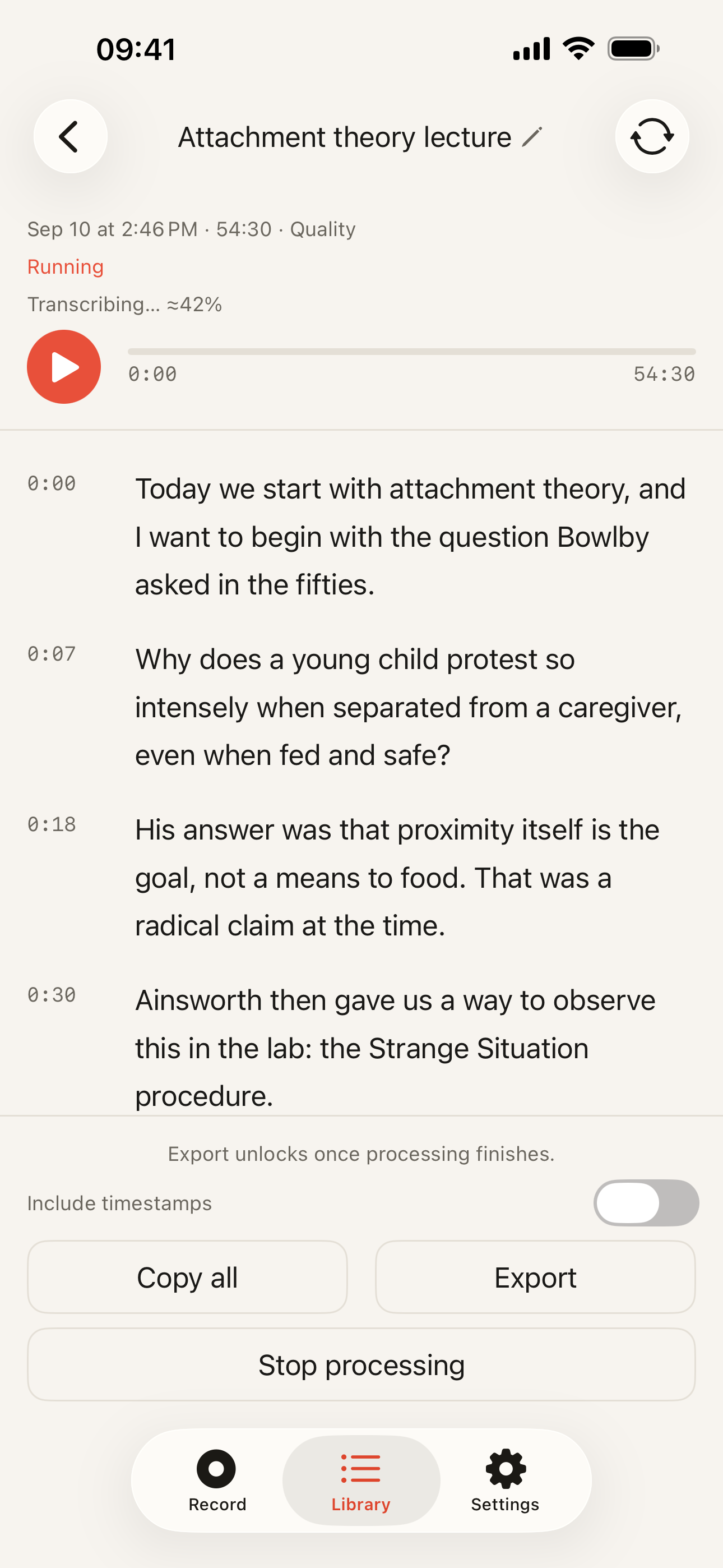
The group Kaseta belongs to. The speech models are downloaded once and run on the phone’s own processor.
Good at: working with the network off, sending nothing, needing no account, and being sellable as a one-time purchase – there is no per-user server bill to fund.
The trade: no shared workspace, no web access, no bot in your meetings, and the archive is on one device, so your backup is your safety net. A phone also only ever hears the room it is in, so a call with remote participants reaches it through a laptop speaker. Kaseta specifically transcribes 99 languages, and it is an iPhone app, which rules it out before anything else on this list matters.
4. Web converters – upload a file, get text back
The results at the top of a search for converting an audio file. Drag a file in, wait, copy the text.
Good at: one-off jobs, on any device, with nothing installed.
The trade: the upload is the whole product, and it is a disclosure. Fine for a lecture you already published; not for anything confidential. Our own guide to getting text out of an .m4a file covers this route honestly, including when it is the sensible one.
5. Dedicated recording hardware with a cloud behind it
Plaud is the name people search here. It is not an app: it is a recorder you buy, which captures audio offline to its own memory and then sends that audio to the company’s cloud for transcription and AI processing when it syncs with your phone. A subscription pays for that half.
Good at: capture. Dedicated microphones, days of battery, memory that is not your phone’s, and a device you can clip on or set down without holding a phone out at the table. The cloud behind it comes with a compliance story – audits and certifications – that an indie app does not have.
The trade: two purchases instead of one, a device to carry and charge, and the recording still goes to a company’s servers to become text, which is the same disclosure the first group involves. The full version of this one, including where they are better than us, is on the Plaud page.
A note on names, because searching is confusing
Several app names in this category are the ordinary word for the thing. Diktafon is simply the word for a dictation recorder across Slavic and Scandinavian languages, and transcribe is the verb for the entire category – so a search for either returns a mixture of unrelated products, generic listings and, in one case, a Norwegian university. If a name sounds like the category itself, search for what you want the app to do instead, and check the two things that matter: whether it needs an account, and whether it works in airplane mode.
Kaseta vs cloud transcription
| Kaseta | Otter / Notta | Voice Memos | |
|---|---|---|---|
| Works offline | ✓ | ✗ | Partial |
| Languages | 99 | Varies by service | Limited |
| What the app sends | No audio – models are downloaded once | Your recording, to the service | Your recording, to your iCloud |
| Limits | Text for the first 5 min free, the whole recording in Pro | Monthly minutes | None |
| File export | ✓ | ✓ | Audio only |
| Price | $39.99 once | Subscription | Free |
Competitor data checked on 2026-09-15
When a cloud service is the right answer
Worth saying plainly on a page published by an on-device app:
- Your employer already approved one. An approved tool beats a technically safer unapproved one.
- The work is shared. Transcripts other people open, comment on and search – that is what a server is for.
- You need calls captured while you are elsewhere. No app on your phone can attend a meeting you are not in.
- You are not on an iPhone. Kaseta is an iPhone app, and that rules it out before any of the rest matters.
When the on-device answer is the only one that works
For some readers this is not a preference. Doctors, lawyers, therapists, journalists protecting a source, and anyone whose employer blocks cloud tools are not choosing on features – the upload disqualifies the entire first group. Those cases have their own pages: for doctors and for no-cloud workplaces.