Lecture recordings that transcribe on the phone itself
A lecture is a long, single-speaker recording made in a room with unpredictable acoustics, and it usually needs to become text that other people will read. That combination is what makes teaching a different job from taking a voice memo, so this page is about the three things that actually decide whether a phone is enough: how long it can transcribe, what the students get, and what happens when the room has no network.
The length question, answered precisely
Two numbers are easy to confuse, so here they are separately. Recording has no limit imposed by the app on any plan – the constraint is free space on the phone. The text has a ceiling on the free plan: the first 5 minutes of each recording. Pro transcribes the whole recording. When you hit the ceiling the recording does not stop; the audio continues to the end of the class and is saved in full.
For a weekly ninety-minute lecture that means the free plan will record the whole thing and transcribe an opening fragment, and Pro is what turns the whole session into text. Pro is $19.99 a year, or $39.99 once with no renewal – which, for a teacher paying out of their own pocket rather than a department budget, is usually the more interesting number.
What the students actually receive
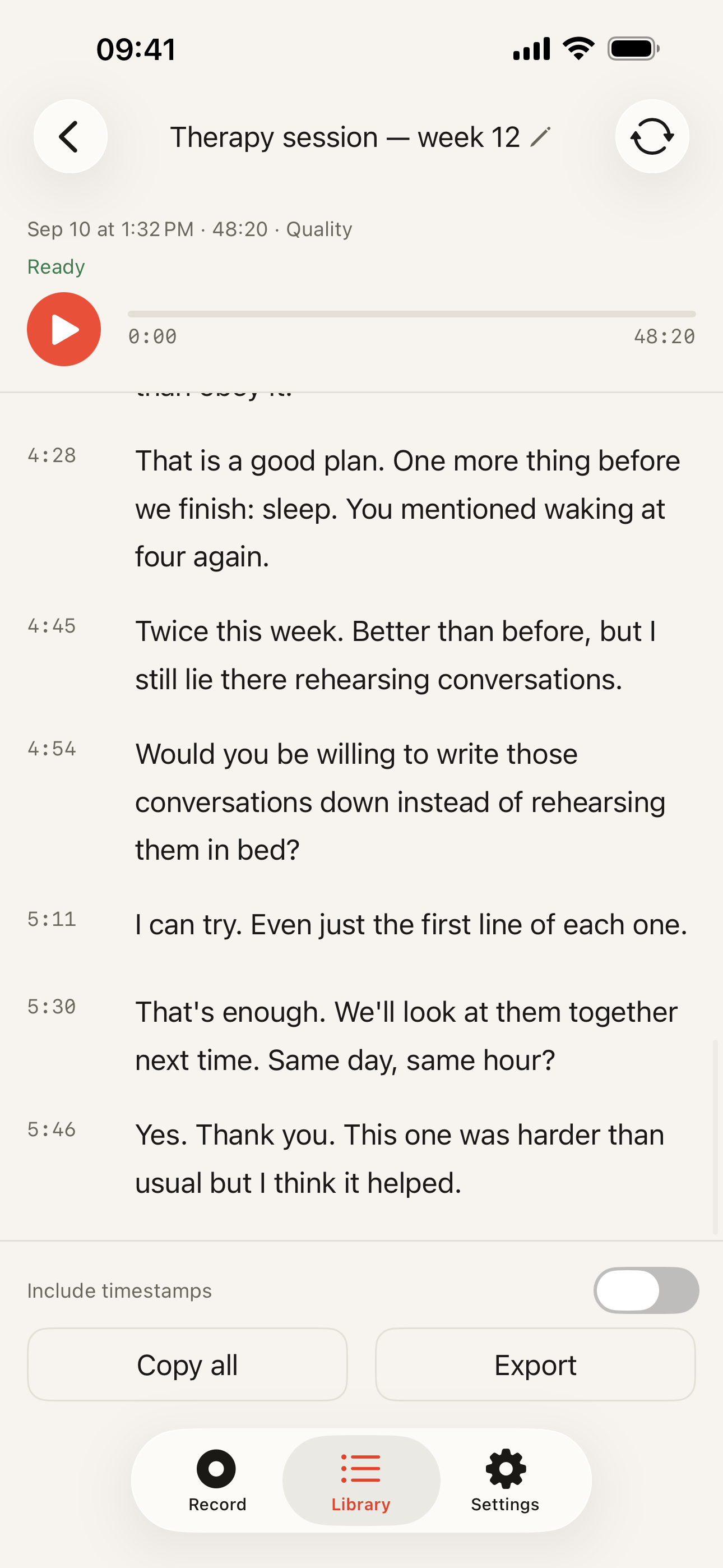
Copying and export both work on every plan – Plain Text, Markdown, SRT, WebVTT or JSON – so pasting a session into the course page costs nothing. Timestamps are the part that makes a transcript useful to a student: they can find the eleven minutes they missed instead of reading forty pages.
Two honest warnings. An automatic transcript of a lecture contains errors, especially on names, formulae and technical vocabulary, so publish it as a study aid rather than as a record of what was said. And if a student needs a transcript or captions as an accessibility accommodation, that is a job for a professional captioning service – accuracy there is a duty, not a convenience.
Two different language numbers
The transcription engine covers 99 languages, and recognition happens on the device whichever one you choose – useful if you teach in one language and think in another. The app’s interface is a separate matter and currently ships in 39 App Store localisations. These get conflated constantly in this category; they are not the same claim, and only the first one is about your lecture.
When something else is the better tool
- Your institution’s lecture capture system. Panopto, Echo360, the recorder wired into the room – they capture your slides and your screen alongside the audio, publish straight into the VLE, and are already covered by whatever agreement your university signed. A phone in your pocket captures none of that.
- Otter, Notta and the cloud services. For a seminar held over video, their bot takes the call’s own audio feed while a phone can only hear your laptop’s speakers; and for a course where every session belongs in one archive the department can open and edit, a shared workspace is genuinely better. We have neither; the Otter comparison is the long version of the same trade.
- Apple’s own Voice Memos. Since iOS 18 it transcribes in the languages Apple covers, it is free, and it is already installed. For a ten-minute tutorial in one of those languages, you do not need another app.
- A microphone. No transcription engine recovers speech it could not hear. If your recordings are made from a lectern eight metres from the phone, a cheap lapel mic will improve the transcript more than any change of app.
Next, the mechanics: how to transcribe a recording step by step, why a room with no signal changes nothing, or the homepage for the short version.