Kaseta vs Otter, and when Otter is the better tool
Otter and Kaseta both turn speech into text, and that is roughly where the similarity ends. Otter is a cloud service organised around meetings and the people in them: you record or upload, the audio is processed on Otter’s infrastructure, and the transcript lives in your account where a browser, a phone or a colleague can reach it. Kaseta is an iPhone recorder that does the transcription on the phone itself, with no server behind it and no account in front of it.
That difference decides almost everything else on this page – including the parts where Otter wins.
The short version
- Pick Otter if the transcript is shared work: remote meetings, a team archive, transcripts colleagues open and comment on, a bot that attends calls for you, access from a laptop.
- Pick Kaseta if the recording is yours: dictation, interviews, lectures, client conversations, anything where the upload itself is the problem or the meter is.
- Neither is a better transcriber in the abstract. They are built for different rooms.
Kaseta vs cloud transcription
| Kaseta | Otter / Notta | Voice Memos | |
|---|---|---|---|
| Works offline | ✓ | ✗ | Partial |
| Languages | 99 | Varies by service | Limited |
| What the app sends | No audio – models are downloaded once | Your recording, to the service | Your recording, to your iCloud |
| Limits | Text for the first 5 min free, the whole recording in Pro | Monthly minutes | None |
| File export | ✓ | ✓ | Audio only |
| Price | $39.99 once | Subscription | Free |
Competitor data checked on 2026-09-15
What Otter does that Kaseta does not
This is the honest part, and it is longer than a competitor page usually allows.
- It attends meetings you are not in. Otter’s assistant can join a scheduled call and come back with a transcript. Nothing that runs on a phone in your pocket can do that, and for a lot of people it is the entire reason the subscription exists.
- It hears a remote call at source. Otter’s bot takes the meeting’s own audio feed, so a colleague on headphones two countries away arrives as cleanly as the person next to you. A phone on the desk hears a laptop speaker reproducing that colleague across a room, and no transcriber recovers what the microphone never got. This holds even when you are on the call yourself, which is why it is a separate line from the one above.
- It is a shared workspace. Colleagues open the same transcript, comment on it, and search across everything the team has captured. Kaseta’s transcripts sit on one phone, and sharing means exporting a file and sending it.
- It searches everything from anywhere. Because the transcripts are on a server, one search covers years of them from any device you happen to be holding. Kaseta searches what is on that iPhone.
- It is not iPhone-only. Otter runs in a browser and on Android. Kaseta is an iPhone app, full stop – if your recordings happen on a laptop or an Android phone, this comparison is already over.
None of that is a concession dressed up as praise. If those lines describe your work, Otter is the correct tool and Kaseta will annoy you.
What Kaseta does that Otter does not
- It uploads no audio. There is no upload, because the recognition has no server behind it; no account, because an account implies a server that knows who you are; no queued sync waiting for Wi-Fi. This is the whole product, not a setting.
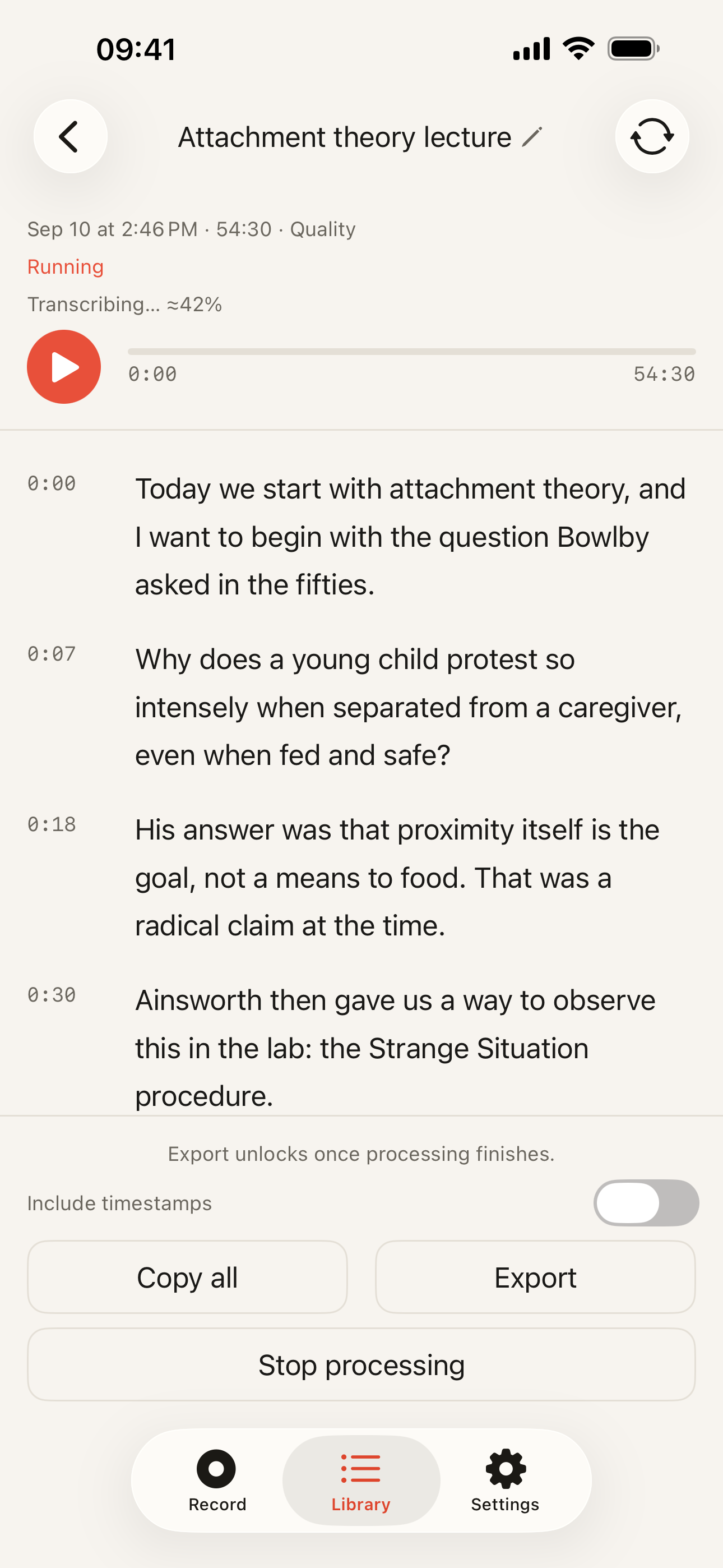
- It works with the network off. The speech models live on the phone after a one-time download. Airplane mode, basement, plane, hospital corridor – tap Stop and the transcript still arrives.
- There is no meter. Nobody counts your minutes, because minutes cost us nothing: the computation happens on hardware you already paid for.
- It transcribes 99 languages – the engine’s count, not the app interface’s – with the same on-device path for each one.
- You can buy it once. A one-time purchase is only possible for software that does not owe a server bill every month.
The money is a different shape, not just a different number
Otter is a subscription with monthly transcription allowances. That model is honest about what a cloud service costs to run – every minute you send is compute someone pays for – and it means your cost continues and grows with your recording.
Kaseta’s free tier records without limits and transcribes the first 5 minutes of each recording; the recording itself is never cut off, the audio keeps going and is saved in full. Pro transcribes the whole recording, lifts the monthly allowance on the Quality model, and costs $19.99 a year or $39.99 once. Export in five text formats is on every plan.
We are not quoting Otter’s numbers here. They change, and a comparison page that gets a competitor’s price wrong deserves the complaint it gets – check their pricing page for the current tiers.
How to check the claim instead of believing it
The interesting claim on this page is falsifiable, so falsify it. Put the phone in airplane mode and record. If a transcript appears with every radio off, nothing was sent. If you want a harder check, put the phone on a monitored network and watch the traffic while it transcribes – that is the standard way this gets verified and it needs no cooperation from us.
Which one fits you
Otter fits a team that meets, a workflow where transcripts are shared and searched, calls that need capturing without you, and anyone whose conversations happen through a screen rather than in a room, or whose working day happens in a browser.
Kaseta fits a doctor dictating notes, a lawyer or a therapist whose recordings cannot be handed to a third party, a student in a lecture hall, a journalist protecting a source, and anyone tired of paying by the minute for something their phone can already do.
The technical detail behind the claim is in how offline transcription works, the same comparison against Notta is on the Notta page, the wider set of options is in transcription alternatives, and the workplace-policy version of this argument is for no-cloud workplaces.