When policy rules out Otter, Notta and meeting bots
The search that lands here is rarely worded as transcription. It is closer to we are not allowed to use Otter at work – someone asked, and the answer was no. Law firms, finance, government contracts, anything under an NDA, anything in a closed network: the tool was not rejected for being bad, it was rejected for where the audio goes.
What the policy is actually objecting to
Cloud transcription means your recording is uploaded to a company that is not yours, processed on their hardware, and stored in their account system. Every part of that is reviewable, and reviewing it costs the security team real work: a processor agreement, a retention answer, a sub-processor list, a location-of-data answer, and a plan for what happens when that vendor is breached. A meeting bot that joins the call as a participant raises all of it again, this time visibly to everyone in the meeting.
None of that is unreasonable. It is also not a judgement about transcription – it is a judgement about the upload.
What is different here, stated plainly
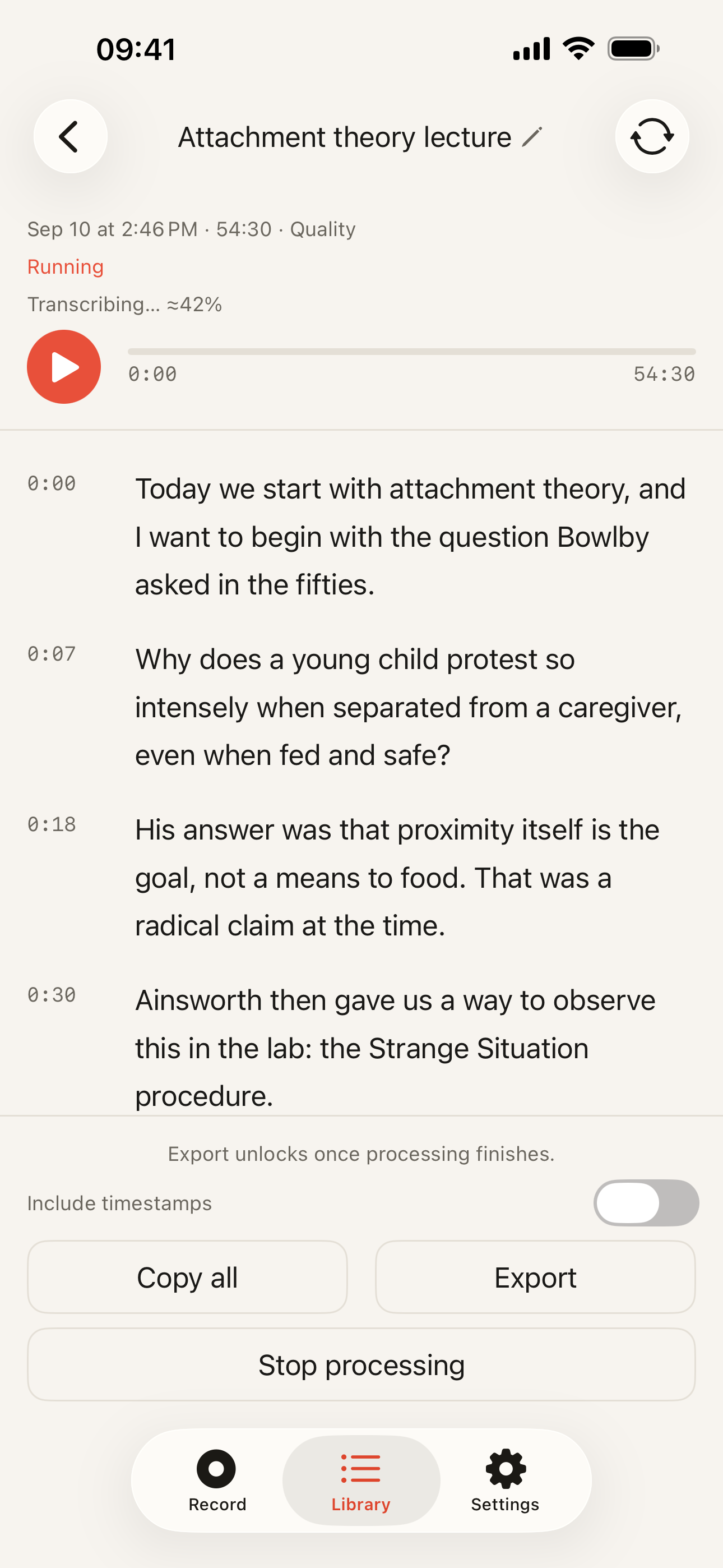
Kaseta transcribes 99 languages using models downloaded once and run on the iPhone’s own processor. There is no upload of audio, because there is no server doing the recognition. There is no account, because an account implies a server that knows who you are. Nothing is queued for a quiet sync once you are back on Wi-Fi, and there is no bot that appears in your call as a guest.
That gives you something to say that is not marketing: the app never sends the audio anywhere, and you can watch it not send it. Models downloaded, airplane mode, record, Stop, transcript appears. A security team that wants a harder check can put the phone on a monitored network and watch the traffic while it works.
What this does not fix
- A ban on recording, full stop. Plenty of policies prohibit recording meetings or client conversations at all, regardless of what does the transcribing. This page has nothing to say about that rule and does not get around it.
- Central administration. There is no admin console, no SSO, no device-management profile, no way for IT to enforce settings or wipe content remotely, and no per-organisation licensing programme. It is an app someone installs on a phone.
- Your own confidentiality duty. Keeping the recording local does not make it yours to keep. An NDA covers the notes on your device as much as the ones in someone else’s cloud.
- The phone. On-device security is device security. A shared or unlocked phone undoes the entire argument.
The cost, since procurement will ask
There is nothing to procure. The free plan records without limits and transcribes the first 5 minutes of each recording – the recording itself is never cut off, the audio keeps going and is saved in full. Pro transcribes the whole recording, lifts the monthly allowance on the Quality model, and costs $19.99 a year or $39.99 once. Export in five text formats is on every plan. No seats, no minute bundles, no renewal to route through a purchasing system.
When a cloud service is still the right answer
- Your company already approved one. If security has cleared a vendor and signed the paperwork, use it. An approved tool beats a technically safer unapproved one every time, and that is a sensible rule rather than a bureaucratic one.
- The work is collaborative. Shared archives, transcripts colleagues open and comment on, access from a browser on any machine, a bot that captures the calls you did not attend – that is a different product, and we do not compete with it.
- The recordings are not yours to localise. Some workflows require the transcript to land in a system of record that the organisation controls. A file on one employee’s phone is the wrong shape for that.
Related: the technical detail is in how offline transcription works, the clinical version of the same argument is the page for doctors, and the homepage has the short form.